




If you have a Symfony application, our SMS gateway can automatically send SMS messages and even phone calls. And all this without much programming. The fastest and cheapest way to integrate Symfony SMS and voice notifications into your Symfony system.
How to upgrade your Symfony application with SMS notifications
In the digital age, it is crucial that you stay in touch with your users, and what could be a better way to do this than an immediate SMS notification? Symfony, a robust PHP framework, offers seamless integration with SMS services, allowing you to send timely updates directly to your users’ phones. Here’s how to use the SMS Notifier component from Symfony to set up an SMS and voice channel for your application.
Do you understand the functionality of voice and SMS notifications:
Before we dive into the technical details, let’s take a closer look at the types of notifications you can send and the benefits they bring:
Transaction messages:
These are important to inform users about their account activities, such as resetting passwords, order confirmations, and shipping updates. They strengthen user trust and engagement.
Promotional messages:
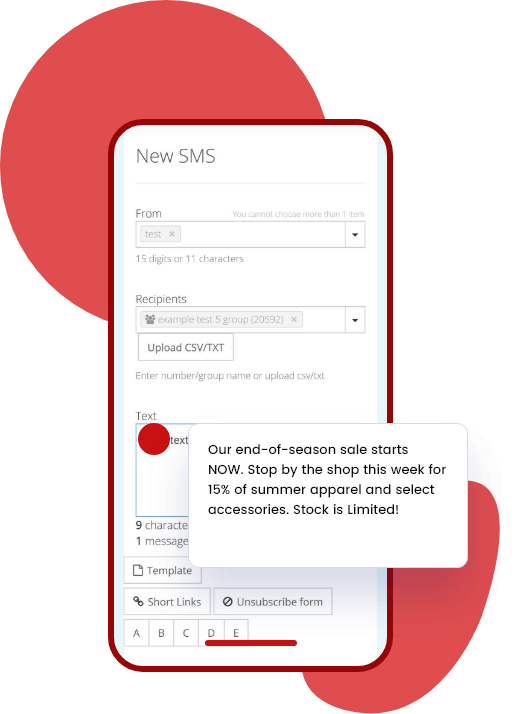
Use SMS to boost your marketing efforts by sending notifications about sales, special events, or exclusive offers. You can significantly increase conversion rates.
Informative news:
Keep your audience informed with regular news, tips, or reminders. This constant engagement creates a loyal user base.
The benefits of integrating Voice & SMS with Symfony:
Integrating SMS notifications into your Symfony application has several advantages:
High engagement: SMS messages have an open rate of 98% and ensure that your communication is noticed.
Speed and convenience: Send messages instantly and allow your users to receive updates anytime, anywhere.
Reliability: SMS are not dependent on an internet connection, making them a reliable channel for urgent notifications.
Language: Instead of a text message, you can also directly send a voice call.
Price: SMS are significantly cheaper than Whatsapp or RCS.
Data security: You can automatically delete the content of your SMS immediately after it is sent
Implementing voice and SMS notifications in Symfony
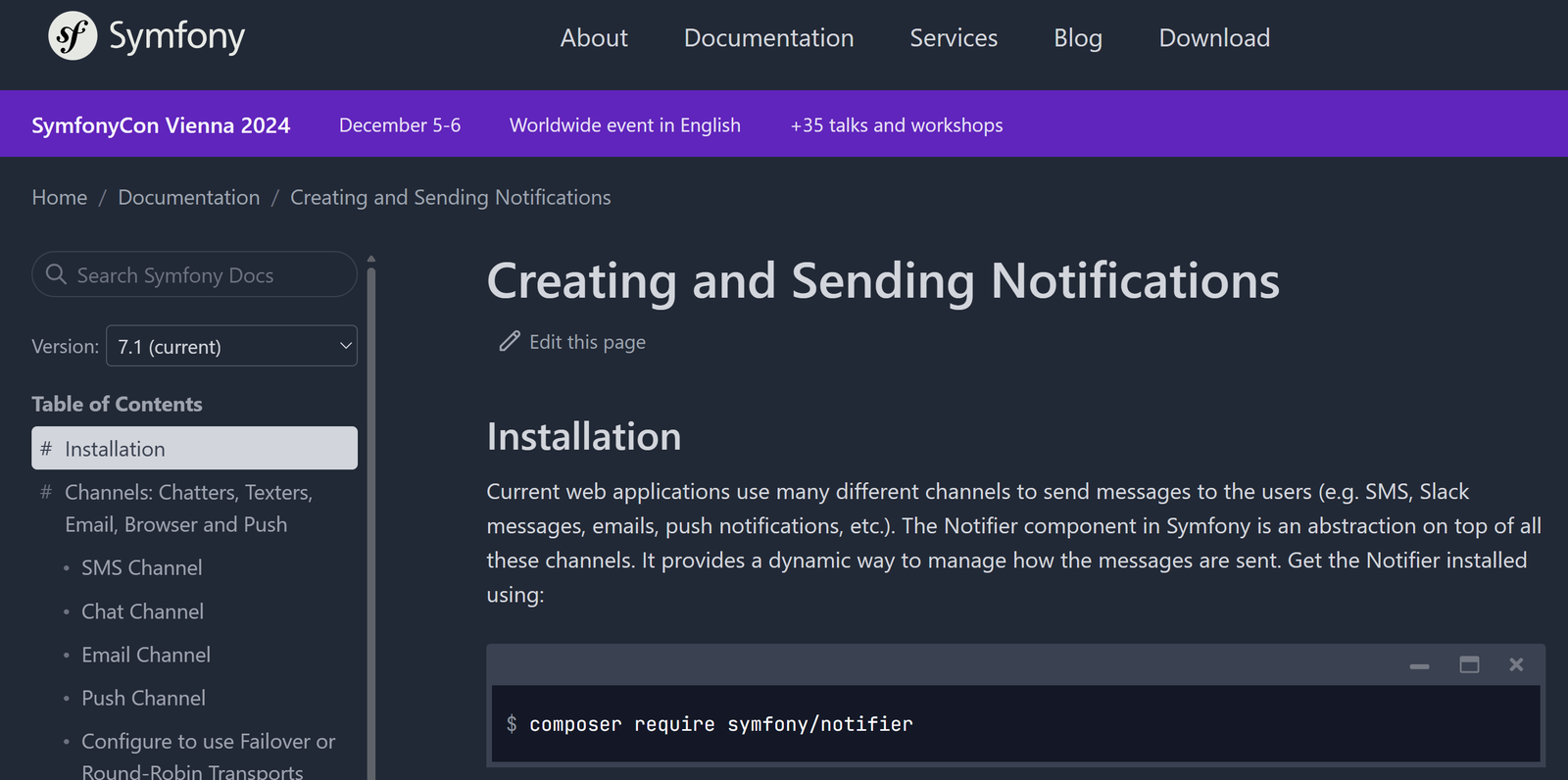
Now let’s get to the exciting part – the implementation. Follow these steps to set up your application so that it can send Symfony SMS notifications using the
LOX24 notifier
:
- Install the detector componentStart the installation
Notifier component from Symfony
together with a bridge for LOX24.- Install:
composer requires symfony/lox24-notifier - DSN correction: Open the .env file and correct the parameter LOX24_DSN:
LOX24_DSN=lox24://USER:TOKEN@default?from=FROM&type=TYPE&voice_lang=VOICE_LANGUAGE&delete_text=DELETE_TEXT&callback_data=CALLBACK_DATA- USER:TOKEN is the LOX24 API v2 key (see Admin page -> Settings -> API Settings -> Create New Key -> Select „API v2“)
- FROM is the sender of the message, e.g. „Taxi“.
- TYPE of message: „sms“ (default) or „voice“ per voice message
- If TYPE is set to „voice“, VOICE_LANGUAGE (optional) is the language of the voice message. If the parameter is missing, the language is automatically detected.
- (optional) if DELETE_TEXT is 1, the SMS text is removed from the database after sending; 0 (default) – stores the SMS text in the DB
- (optional) CALLBACK_DATA Any string of up to 36 characters that is sent back to your endpoint when you set up „sms.delivery“ notifications (see Admin page -> Settings -> Notifications)
- Install:
- Send your messages:
use Symfony\Component\Notifier\Message\SmsMessage; use Symfony\Component\Notifier\TexterInterface; ... $message = new SmsMessage('+49170000000', 'Hello World'); $sent = $this->texter->send($message); echo "Message sent: {$sent?->getMessageId()}\n";- Improve your application: In the Official documents You will find options and use cases for Advanced Notifier. Remember to thoroughly test your implementation to ensure reliable delivery of your messages.
Conclusion
Integrating SMS notifications into your Symfony application is a straightforward process that can significantly improve usability and engagement. By following the steps described above, you are well on your way to implementing a robust notification system that keeps your users informed and connected.
More detailed instructions and best practices for setting up SMS notifications in Symfony can be found in the official Documentation and in the community forums.
Extend your Symfony application today with the power of SMS notifications! More information available at: GitHub – symfony/lox24-notifier: Symfony LOX24 notification bridge890
And why LOX24 as an SMS gateway?
LOX24 is the right choice for you if you are looking for a reliable provider with European data protection standards.
Transparent costs
We do not charge a setup fee, a minimum turnover requirement, or an installation fee. You only pay a prepaid fee for the SMS messages you send.
Language and not just SMS
You can also use it to send voice messages to any phone in the world. These messages are then read by a robot.
German server
Our entire server infrastructure is located in Germany. We do not process any data in third-party countries. Everything is GDPR-compliant.